

10 Website Mistakes That Can Cost Your Business Customers
By Indra Chowdhury — Web Designer & SEO Consultant
Hey there, I’m Indra Chowdhury. I’ve spent the last three years elbow-deep in website audits, Google Search Console dashboards, and one too many late-night conversations with clients asking, “Why isn’t my site converting?” Somewhere between chasing Google’s core updates and untangling messy hosting setups, I’ve built a pretty solid radar for the patterns that quietly wreck a business’s online presence. Today, I want to walk you through 10 Website Mistakes That Can Cost Your Business Customers — the exact same issues I find, week after week, when I open up a client’s site for the first time.
This isn’t a copy-paste listicle. This is what I actually tell my clients, in the same order I tell them, because these 10 Website Mistakes That Can Cost Your Business Customers compound on each other. Fix them in the wrong order and you waste time. Fix them in the right order, and you start seeing the difference in your bounce rate within weeks.

Why I’m Writing About These 10 Website Mistakes That Can Cost Your Business Customers
Every core update Google rolls out — Helpful Content, the Page Experience update, the various spam updates — rewards the same fundamentals: speed, clarity, trust, and genuine usefulness to the visitor. When I audit a site and find one of these 10 Website Mistakes That Can Cost Your Business Customers, I can almost always trace a direct line from that mistake to a ranking drop or a conversion leak. So let’s get into it, one by one.
1. Slow Page Load Speed
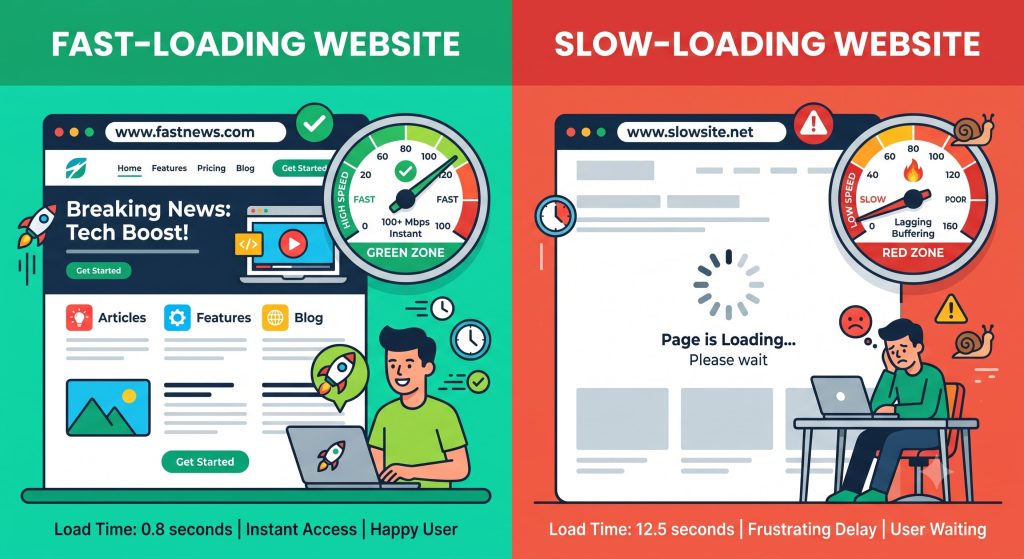
This is the first of the 10 Website Mistakes That Can Cost Your Business Customers, and honestly, it’s the one I see most often. Visitors today expect a page to load in under three seconds. Every extra second past that, you lose a chunk of your audience — and Google’s Core Web Vitals now bake this directly into rankings.
I usually find the culprits are the same: unoptimized images, bloated theme files, too many third-party scripts, and cheap shared hosting that chokes under traffic. Run your homepage through PageSpeed Insights or GTmetrix. If you’re in the red, that’s a business-costing mistake sitting right there on your dashboard.
Quick fixes I recommend to clients:
- Compress images with WebP format
- Use a lightweight, well-coded theme
- Enable browser caching and a CDN
- Upgrade to hosting built for performance, not just storage
2. Not Mobile-Friendly or Responsive
The second of the 10 Website Mistakes That Can Cost Your Business Customers is one that still surprises me in 2026 — sites that break, stretch, or hide content on mobile. Over 60% of web traffic globally comes from mobile devices. Google indexes your site mobile-first, meaning the mobile version of your page is literally what gets crawled and ranked.
If your menu doesn’t collapse properly, your text overflows, or your buttons are too small to tap accurately, you’re actively pushing potential customers away. I always test client sites on at least three screen sizes before I even start writing content for them.
3. Confusing or Cluttered Navigation
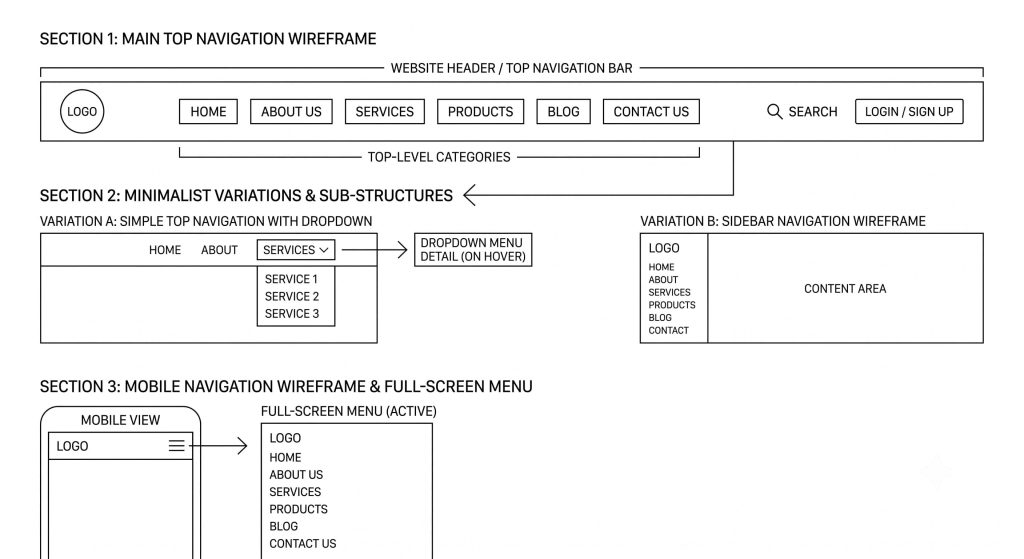
Number three on my list of 10 Website Mistakes That Can Cost Your Business Customers is bad navigation. If a visitor lands on your homepage and can’t figure out where to click within five seconds, they’re gone. I’ve seen menus with 15+ items, no clear hierarchy, and dead-end pages that lead nowhere.
Good navigation should answer three questions instantly: What does this business do? What can I do here? How do I contact them? Keep your main menu to 5–7 items max, and use clear, descriptive labels instead of clever ones.
4. Weak or Missing Calls-to-Action
The fourth entry in my rundown of 10 Website Mistakes That Can Cost Your Business Customers is one that’s purely psychological. You can have a beautifully designed page, fast load times, and great content — but if there’s no clear “Book Now,” “Get a Quote,” or “Buy Today” button, visitors simply won’t act. People need to be told what to do next.
I recommend one primary CTA per page, repeated at the top, middle, and bottom of longer pages, using action-driven language and a color that contrasts with your site’s palette.
5. Outdated or Thin Content
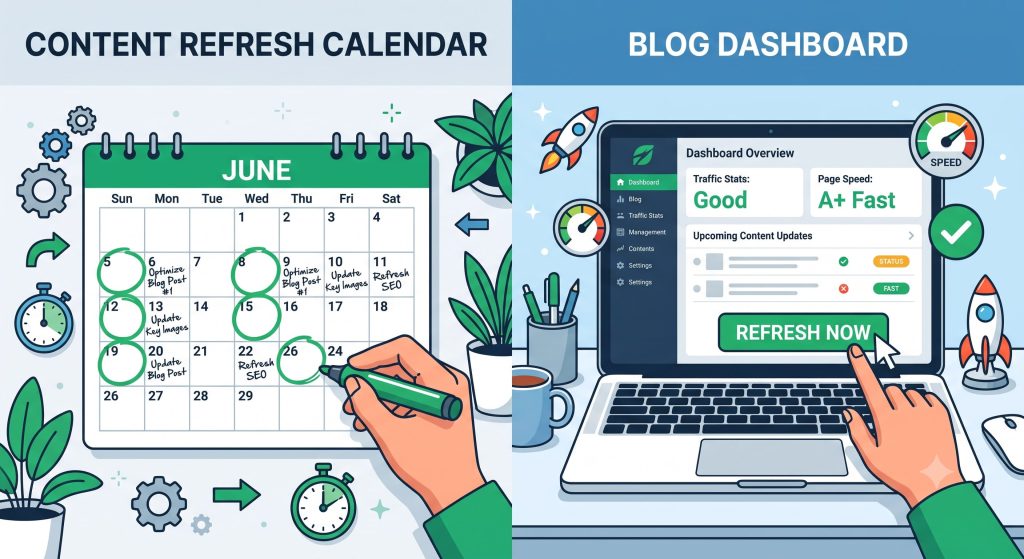
Content that hasn’t been touched in three years is the fifth of the 10 Website Mistakes That Can Cost Your Business Customers, and it’s a big one post-Helpful Content Update. Google actively rewards content that demonstrates real experience and gets refreshed regularly. Thin, generic pages that don’t actually answer the searcher’s question get buried.
I tell every client the same thing: audit your top pages twice a year, add new examples, update statistics, and expand shallow sections with genuinely useful detail — the kind only someone with real experience in the topic would know.
6. Poor On-Page SEO Structure
Mistake number six among the 10 Website Mistakes That Can Cost Your Business Customers is technical but critical: broken heading hierarchy, missing meta descriptions, no alt text on images, and title tags that don’t include target keywords. I still open client sites where every page has the same generic title tag copy-pasted from a template.
Here’s my basic checklist:
- One H1 per page
- Logical H2/H3 structure
- Meta descriptions under 160 characters with a clear value proposition
- Descriptive, keyword-relevant alt text on every image
- Clean, readable URLs (no random strings of numbers)
7. No SSL Certificate or Security Signals
If your URL still shows “Not Secure” in the browser bar, that’s the seventh of the 10 Website Mistakes That Can Cost Your Business Customers, and it’s an instant trust-killer. Beyond the visitor psychology, Google has confirmed HTTPS as a ranking signal since 2014. There’s genuinely no excuse for skipping SSL in 2026 — most decent hosting plans include it for free.
[Image Prompt: A padlock icon glowing over a browser address bar showing https, trust and cybersecurity theme, digital illustration]
8. Intrusive Pop-Ups and Ads
The eighth mistake on this list of 10 Website Mistakes That Can Cost Your Business Customers is the aggressive pop-up — the kind that covers the whole screen the second someone lands on your page, before they’ve even read a sentence. Google’s Page Experience guidelines specifically penalize intrusive interstitials on mobile.
If you need an email capture pop-up, delay it, make it easy to close, and never block core content behind it on first visit.
9. Inconsistent Branding and Design
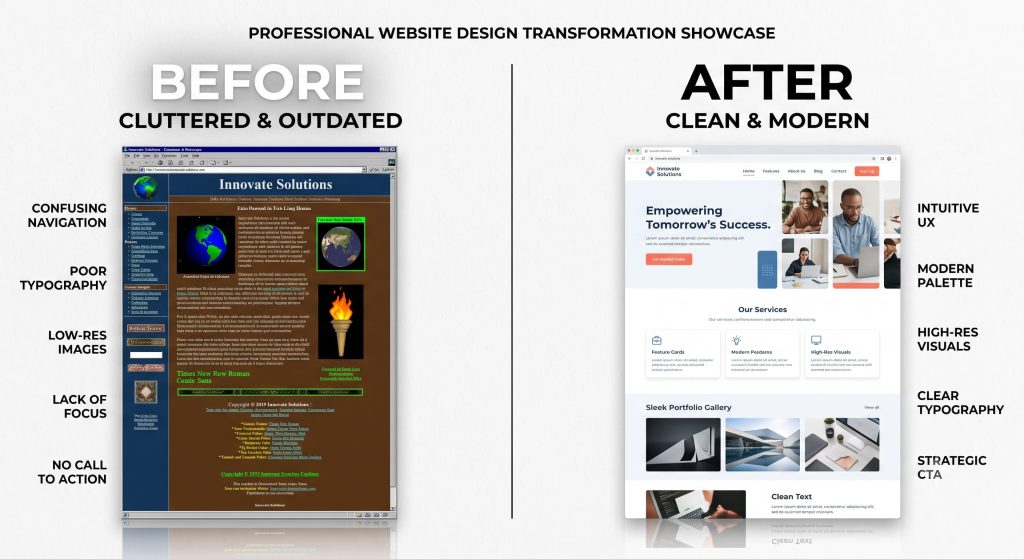
Ninth on my list of 10 Website Mistakes That Can Cost Your Business Customers is something more subtle: inconsistent fonts, mismatched colors, low-quality stock photos next to professional ones, and a logo that looks different on every page. This erodes trust fast, even if visitors can’t articulate why.
I always recommend a simple brand style guide — 2 fonts, 3–4 core colors, and a consistent photography style — applied across every single page, including your blog and checkout flow.

10. Ignoring Site Speed and Uptime from Hosting
The final entry in our 10 Website Mistakes That Can Cost Your Business Customers brings us back to something foundational: your hosting. I’ve audited sites with gorgeous design and perfect copy that were losing customers simply because the server went down during traffic spikes, or shared hosting resources meant the site crawled during peak hours.
Cheap hosting is not a long-term savings plan — it’s a slow leak in your customer pipeline. Invest in hosting with guaranteed uptime (99.9%+), scalable resources, and responsive support.
Bringing It All Together
So there you have it — the 10 Website Mistakes That Can Cost Your Business Customers, straight from three years of hands-on audits, client calls, and late nights watching Google roll out yet another core update. The good news is none of these fixes require a complete rebuild. Most businesses can address 80% of these 10 Website Mistakes That Can Cost Your Business Customers within a single focused month — starting with speed, mobile responsiveness, and clear CTAs, then moving into content and technical SEO cleanup.
If you’ve read through this entire list and recognized even three or four of these mistakes on your own site, you’re not alone — I’d say 7 out of 10 sites I audit have at least half of these 10 Website Mistakes That Can Cost Your Business Customers present in some form. The businesses that fix them consistently see lower bounce rates, longer session times, and — most importantly — more customers actually converting instead of bouncing off in frustration.
Frequently Asked Questions
How often should I audit my website for these mistakes? I recommend a full audit every six months, with a lighter check-in every quarter, especially after any major Google core update.
Which of these 10 website mistakes should I fix first? Start with page speed and mobile responsiveness — they affect both user experience and search rankings immediately.
Can fixing these mistakes really increase conversions? Yes. In my own client work, addressing even three or four of the 10 Website Mistakes That Can Cost Your Business Customers has led to measurable increases in lead form submissions and time-on-site within 30–60 days.
Written by Indra Chowdhury — helping businesses turn their websites from liabilities into their best salesperson.